
Open navigation menu
From homepage scan to reviewable findings
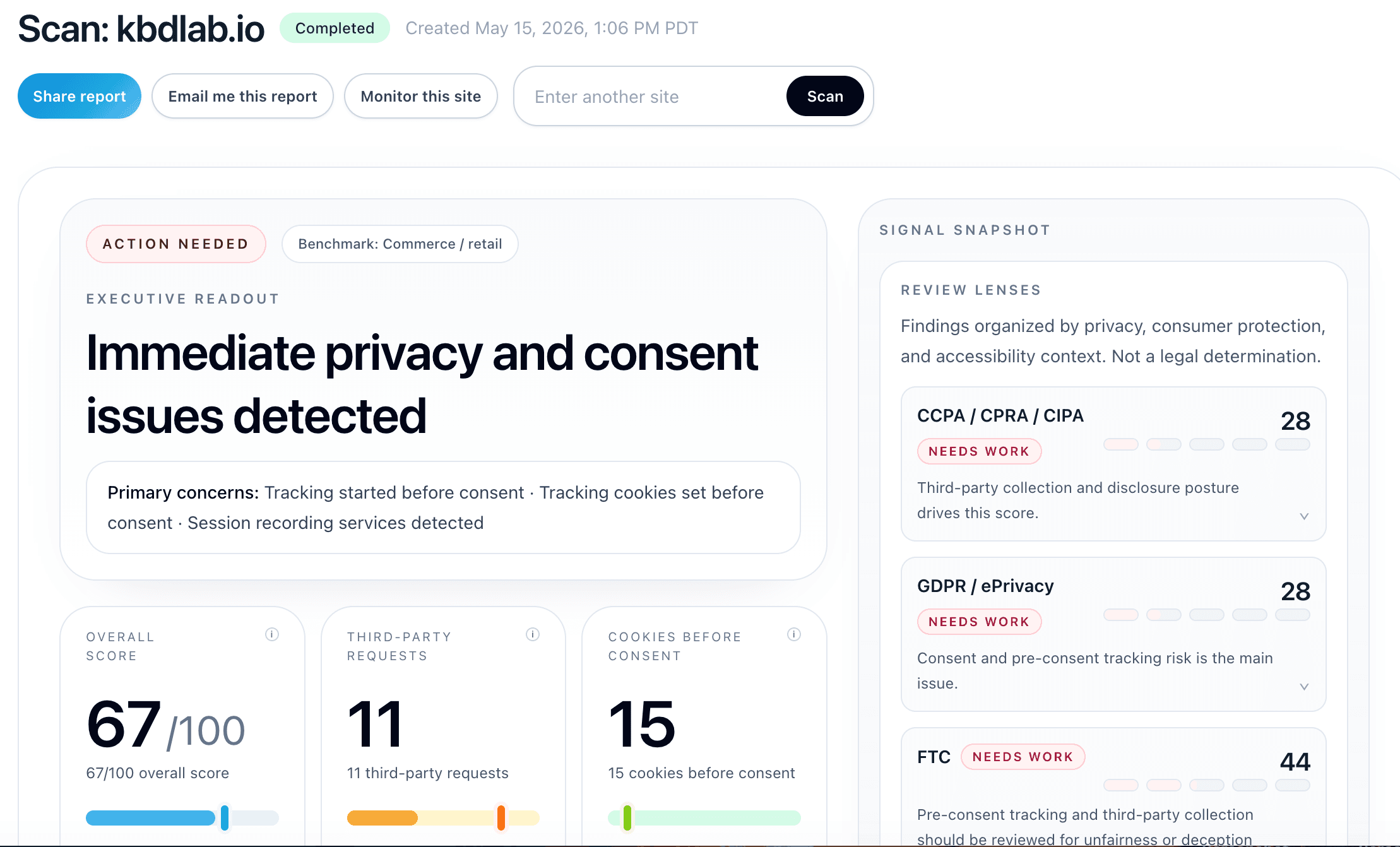
CertScore.ai turns public website behavior and visible website surfaces into structured findings across privacy, consent, accessibility, disclosures, and observable contradictions.
Scan walkthrough
See how the report turns observed signals into reviewable findings.
Report highlights
Executive summary
Start with the report-level readout: score, pre-consent activity, consent platform, policy surfaces, and the timeline of observed scan signals.
01 / 08
See what your website asks visitors to provide
Review forms observed on scanned public pages, expand their retained fields, and open verified, masked form crops when screenshot capture succeeds. Use the field review cues alongside supporting privacy findings and your privacy notices to decide what needs investigation.
Detection, screenshot availability and privacy assessment are separate. The scanner does not fill or submit forms, and incomplete coverage remains visible.
Learn how to review forms and screenshotsAfter the choice is confirmed
Where CertScore can identify an eligible consent control unambiguously, it makes one deliberate choice. Accept and Reject each receive a fresh browser session, so neither result is contaminated by the other.
On the Reject side, a refusal-state transition must be confirmed before post-choice activity qualifies. From that point, CertScore retains relevant requests, cookie and storage writes, and consent state; activity already in flight at confirmation is excluded.
If a consent surface cannot be actioned safely—because the interface is unsupported, a control is ambiguous, or confirmation fails—CertScore does not guess. The report records limited coverage. That is not a clean result and never counts as a pass.